Keep content up to date
Request a viewing
Ask someone to watch a video: a new procedure, an onboarding path, a training session.
Updated on
Team managers and administrators
A viewing request makes sure someone has actually watched an important video: the new refund procedure, the safety training, a new hire's first day.
Create the request#
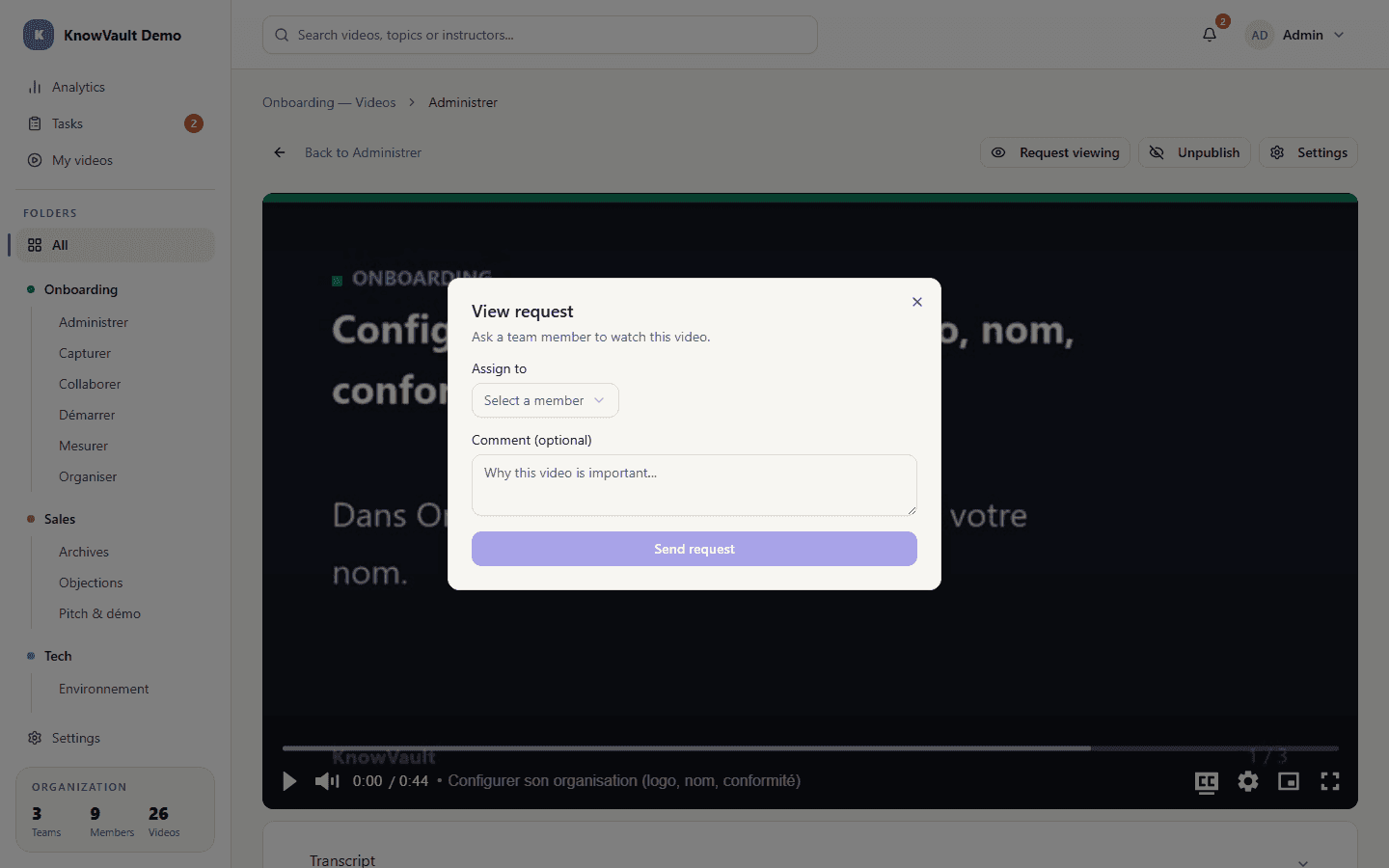
- Open the video.
- Click Request viewing.
- Choose the team member concerned.
- Add a comment if needed, then send.
For the recipient#
The person is notified, finds the request in Tasks (type View), watches the video, then marks it as viewed. The requester sees the request move to Done on the task board and in My sent tasks.
For onboarding
Prepare a set of key videos and send a viewing request for each one as soon as the new hire arrives: they know what to watch, and you know where they stand.