Getting started
Customize your company workspace
Add your company logo, rename the organization and appoint other administrators to manage KnowVault with you.
Updated on
Owners and administrators
Your workspace carries your company's branding: your colleagues see your logo and name as soon as they sign in.
Name and logo#
- Click your name in the top-right corner, then Organization.
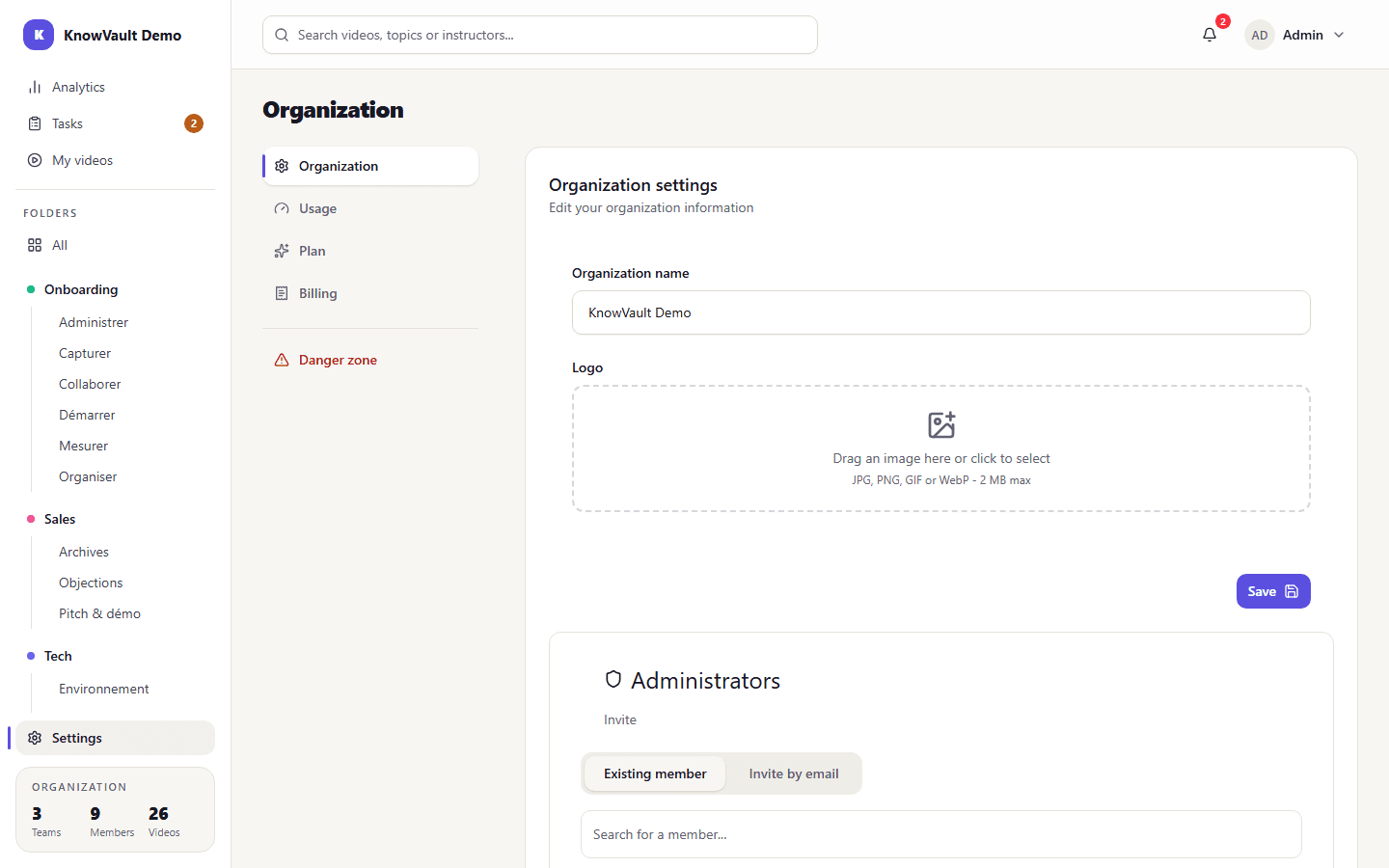
- In the Organization tab, change the name if needed.
- Drag your logo into the drop zone (JPG, PNG, GIF or WebP, 2 MB max).
- Choose whether to show the name next to the logo, then click Save.
Appoint other administrators#
An administrator manages the organization with you: teams, members, plan and billing. Administrators see every team.
Below the settings, the Administrators section has two tabs:
- Existing member: promote someone who is already in the organization;
- Invite by email: invite a new administrator or owner.
Warning
The organization always keeps at least one owner. To step down from this role, first appoint another owner.
Your profile#
Everyone customizes their own profile from their account menu (their name, top right), under Profile: photo, first name, last name and job title. The interface language (French or English) is set in Preferences, from the same menu.