Concepts
Drafts and publishing
A video's statuses, from upload to publication, and who can see it at each stage.
Updated on
A video is only visible to the team once it is published. Before that, it goes through automatic steps, then becomes a draft that the author reviews.
Video statuses#
| Status | What happens | Who sees it |
|---|---|---|
| Uploading | The file is being uploaded | The author |
| Processing | Encoding, thumbnail, transcript, subtitles, translation | The author, who can already watch a preview version |
| Draft | The video is ready and waiting for review | People who can edit it |
| Published | The video is available | All team members |
| Error | Processing failed | The author, who can restart it |
Publish#
The author, team managers and administrators
- Open the draft video.
- Review the title, description and transcript; fix them if needed with the Settings button at the top of the page.
- Choose the folder and tags, and attach any useful documents.
- Click Publish.
Team members receive a notification, depending on their preferences.
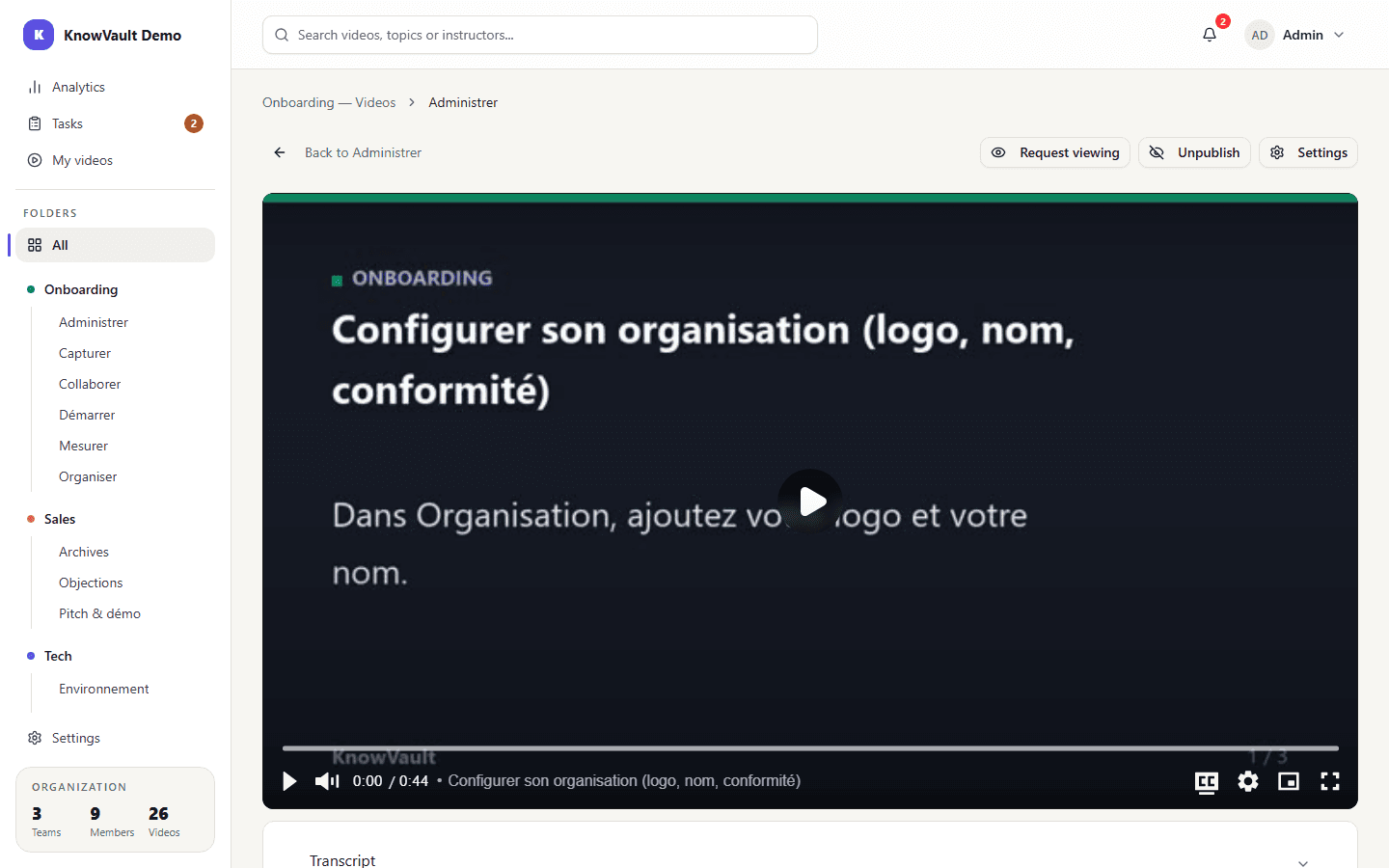
Unpublish#
A published video can go back to draft with Unpublish, for example while it is being corrected. It becomes invisible to the team again until it is republished.
Delete#
A deleted video disappears immediately for everyone. Its files are permanently erased 30 days later.