Administration
Notifications
The notification center, emails and notifications on your devices: choose what gets sent to you.
Updated on
KnowVault keeps you informed about what concerns you, in the app, by email and on your devices.
The notification center#
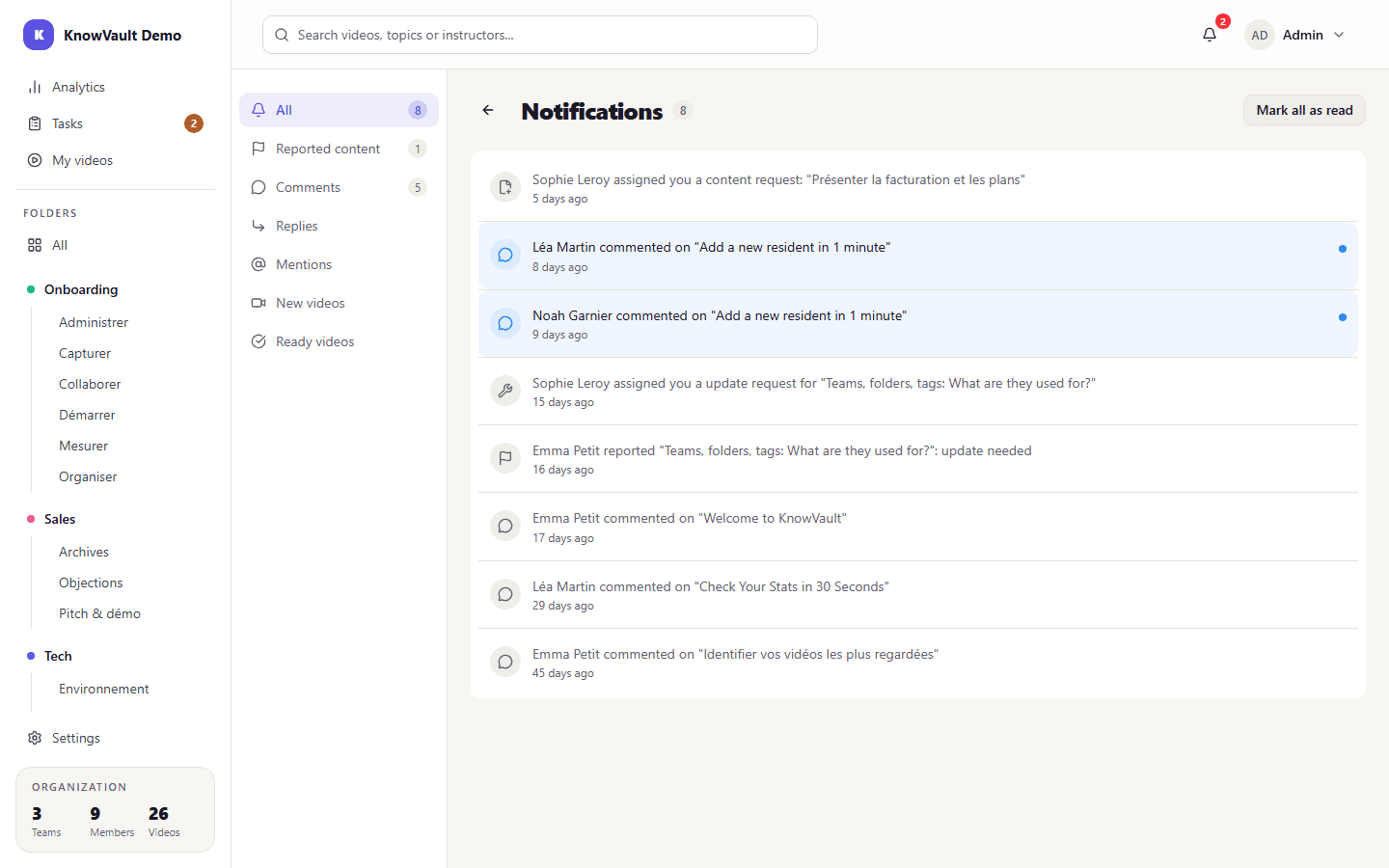
The bell in the top-right corner shows the number of unread alerts and opens the notification center. It lists all your alerts: new published video, comment, reply, mention, report, request received, comment on a request, video ready. One click opens the item concerned; you can also Mark all as read.
Choose what gets sent to you#
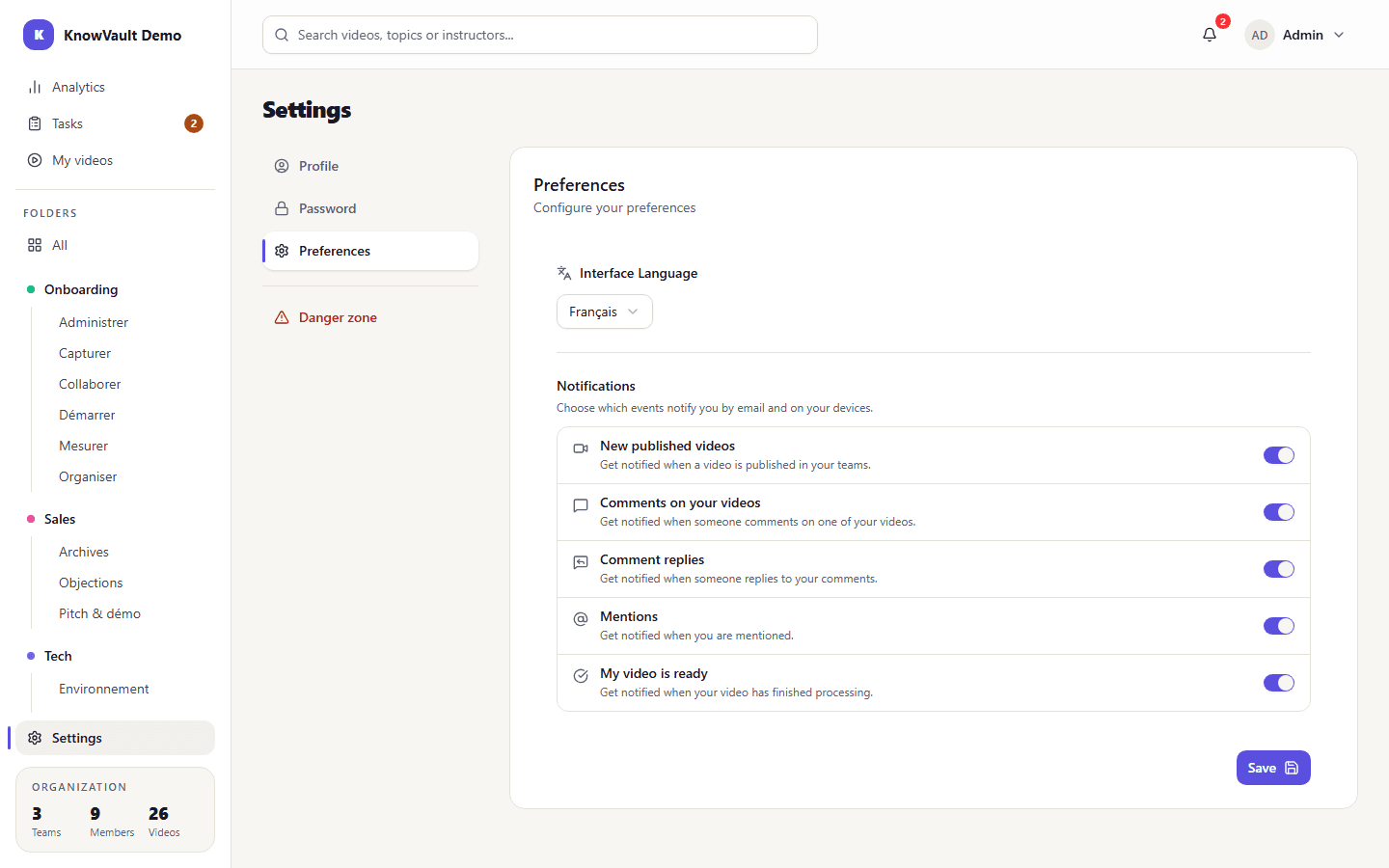
In Preferences (your account menu, top right), turn each type of email and device notification on or off:
- New published videos in your teams
- Comments on your videos
- Comment replies
- Mentions
- My video is ready (end of processing)
Notifications on this device#
Turn on Notifications on this device to be notified even when KnowVault is closed, on a computer or a phone. A button sends a test notification.
On iPhone and iPad
First add KnowVault to your Home Screen (Share, then "Add to Home Screen"), open it from the icon, then turn notifications on.