Keep content up to date
Report a video
Let the team know a video is outdated or needs updating, and follow the report until it is resolved.
Updated on
Outdated knowledge is worse than no knowledge. Any viewer can report a video in two clicks; the team fixes it and lets you know.
Report#
Any team member
- Below the video, click Report.
- Choose the type of problem: Obsolete content, Update needed or Other.
- Describe the problem if needed (optional), then send.
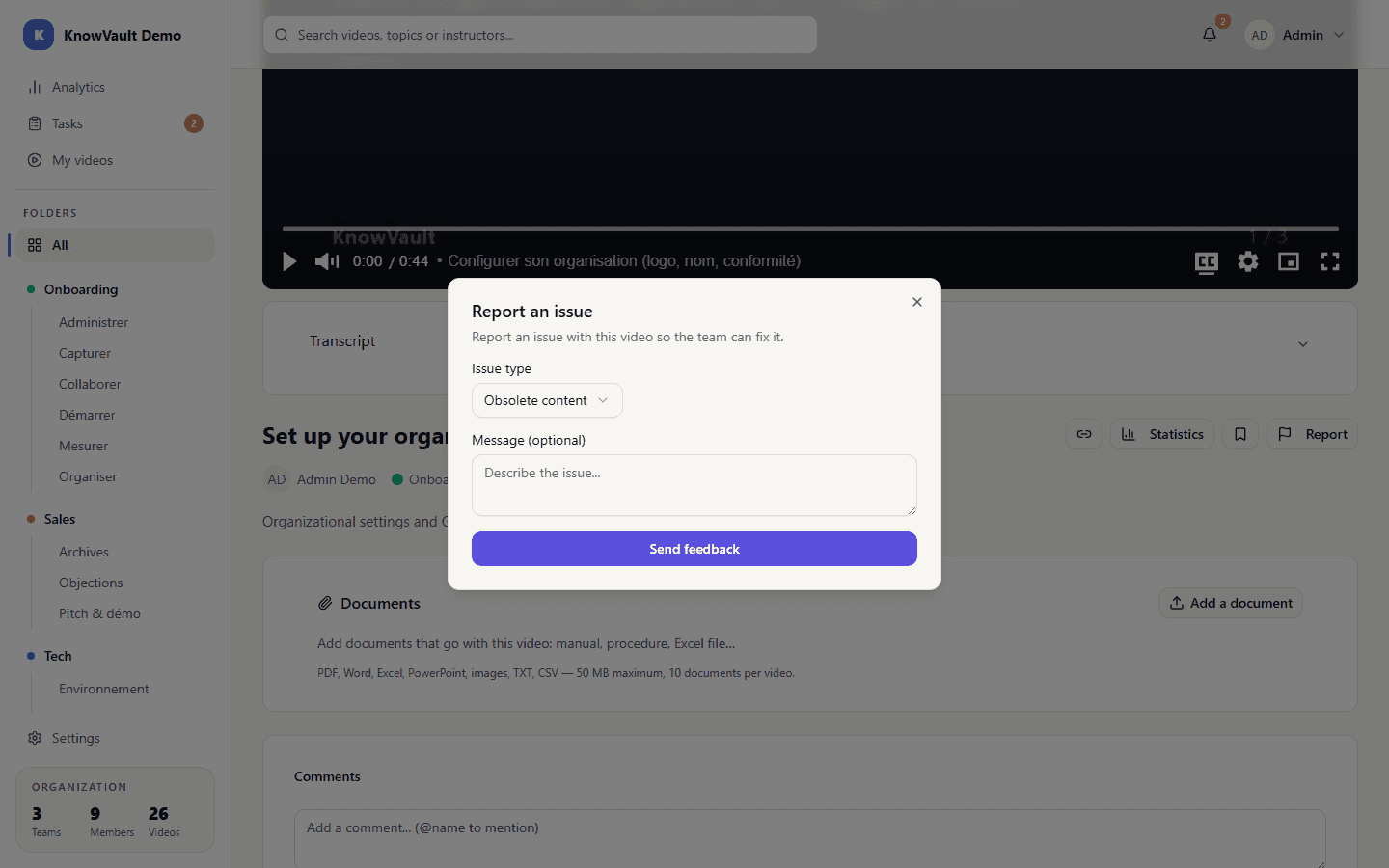
The author and the team leads are notified. A badge on the video shows how many reports are open.
Handle a report#
Contributors, managers and administrators
A report goes through three statuses:
| Status | Meaning |
|---|---|
| Open | The problem has just been reported |
| In progress | Someone is working on it |
| Resolved | The video has been fixed, or the report was unfounded |
To resolve it, explain in a few words what was done. The person who reported it is notified.
Managers and administrators see every flagged video on the Analytics page.
Tip
Does the fix take real work? The manager can turn the report into a revision request assigned to the author.