Getting started
Create an account
Set up your company's KnowVault workspace in two minutes, with an email address or with Google or Microsoft.
Updated on
When you create your account, you also create your company's workspace, called the organization. You become its owner: you are the one who then invites your colleagues.
With an email address#
- Open the app's Sign up page.
- Enter your company name, your first name, your last name, your work email and a password.
- Open the confirmation email and click the link.
- You land on your dashboard, ready to create your first team.
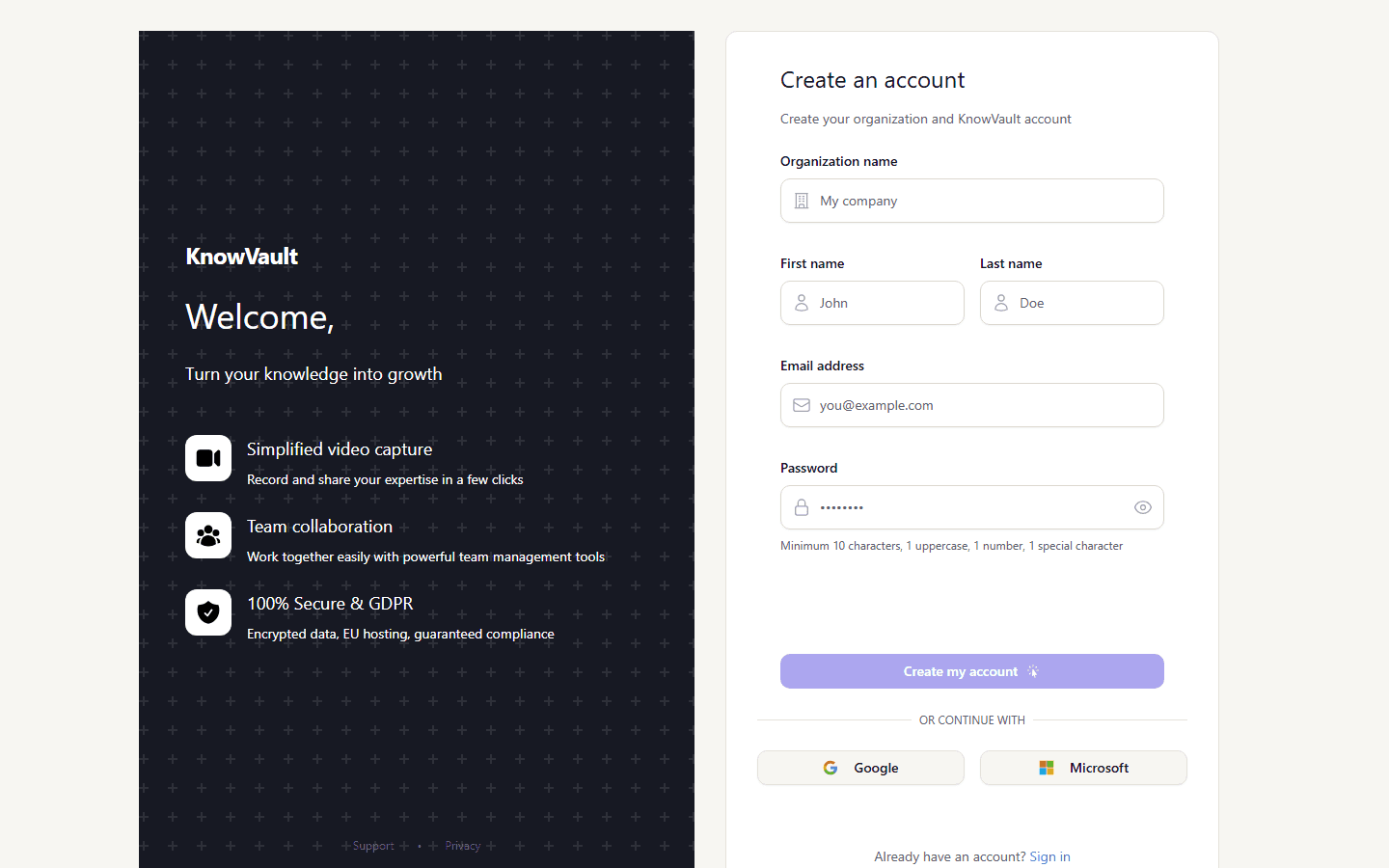
Your password must be at least 10 characters long and include an uppercase letter, a number and a special character.
With Google or Microsoft#
On the sign-up page, click Google or Microsoft. Your name and email are taken from your account; all that is left is to enter the company name and a password.
Good to know
Your address is already verified by Google or Microsoft, so no confirmation email is sent.
Signing in afterwards#
- Email and password, from the Sign in page.
- Google or Microsoft, in one click. The account must already exist in KnowVault: sign up first, or accept the invitation you received.
- Forgot your password? A reset link is sent to you by email.